A preset is just the beginning.
Start with 60+ looks, adjust more than 100 parameters, and save your own presets for the next shot.
Flared2 + Glared2 · Blender add-ons
Two independent Blender add-ons for cinematic light VFX. Create lens flares inside your scene with Flared2, or shape glow and optical effects in the compositor with Glared2.
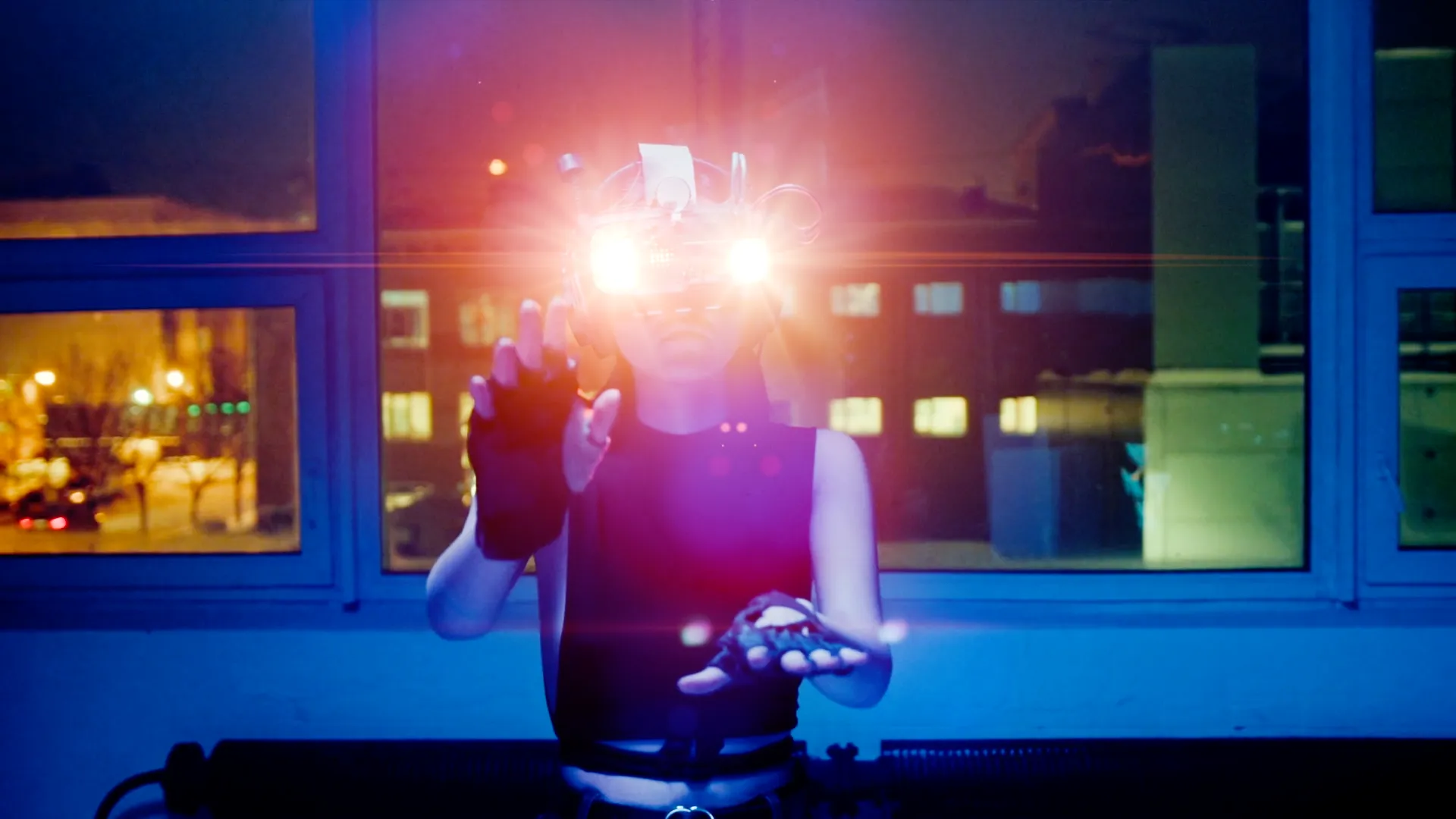
BANNER 01 — File predisposto: uploads/flared2-banner-1080.mp4. Loop automatico quando visibile. Fino al caricamento rimane il render attuale.

Flared2 · Lens flare add-on for Blender
Place a flare in your Blender scene, choose from 60+ presets and make it your own. From a subtle highlight to a bold anamorphic streak, you control the look directly in the viewport.
Available now. Current prices and licence options are listed in each store.
Watch the setup, then shape the result in Blender.
Flared2 · Workflow demo

Start with 60+ looks, adjust more than 100 parameters, and save your own presets for the next shot.
Obstacle detection connects the effect to objects between the source and camera. Work directly in Eevee or Cycles.
Animate the controls, explore 2D and 3D modes, and render flares separately when you need more control in compositing.
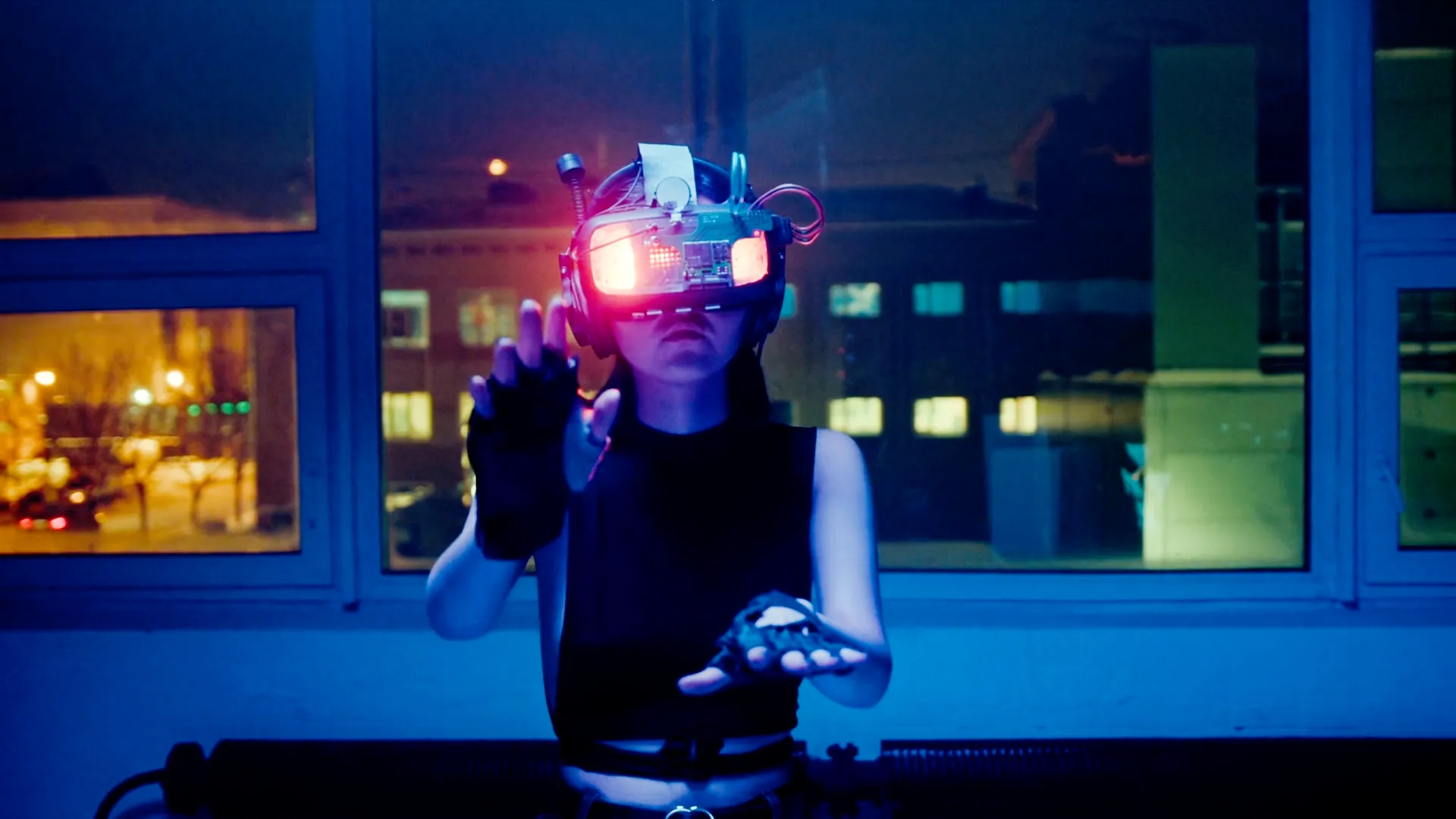
Made with Flared2
Subtle, cinematic or deliberately stylized.
Give the flare a place in your visual language.

Glared2 · Blender compositor light effects
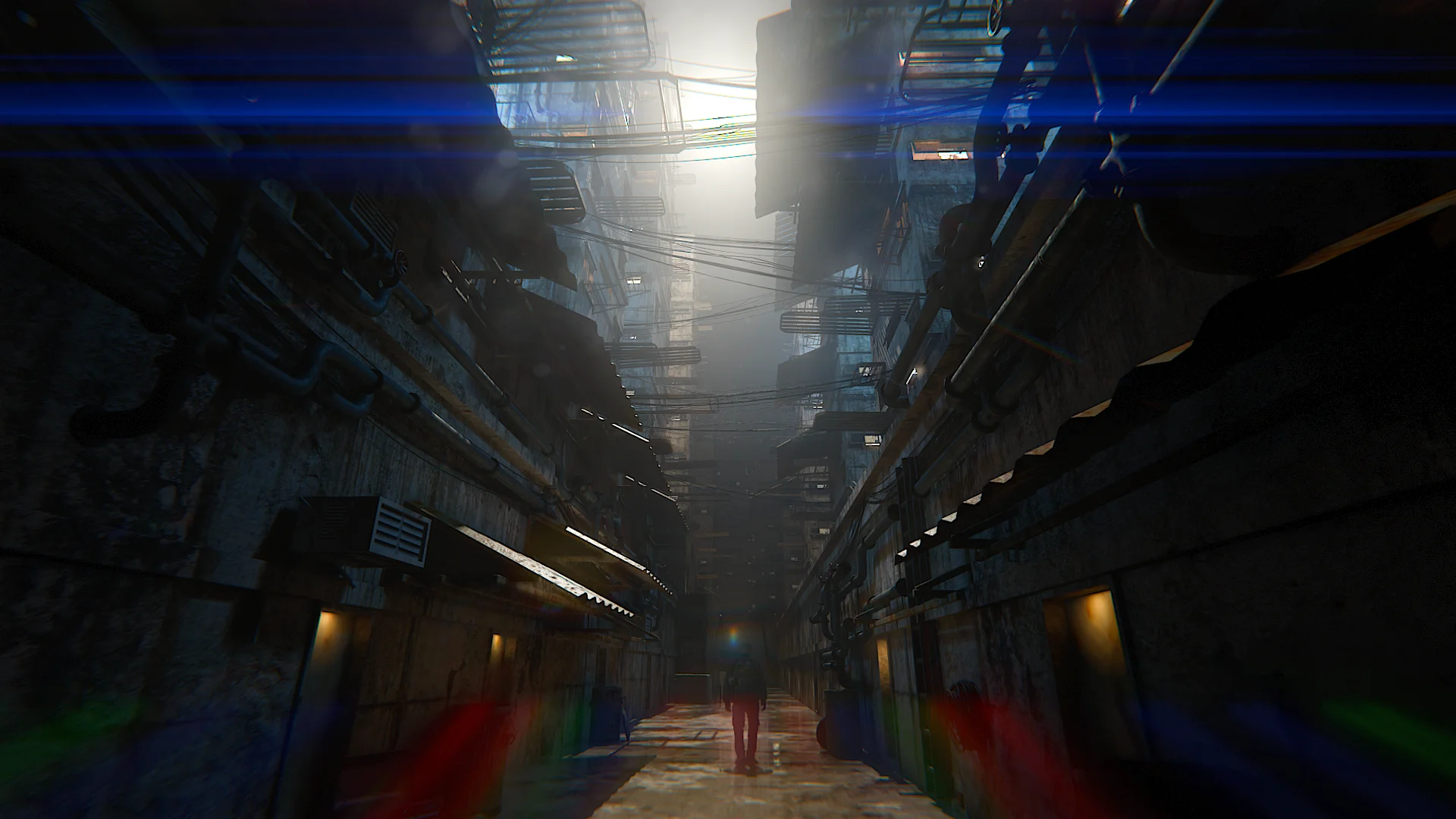
Let the bright parts of your image drive bloom-like glow, streaks and ghosts. Add lens dirt, chromatic aberration and vignette, then refine the result through controls in Blender’s interface.
Available now. Current prices and licence options are listed in each store.
Explore the compositor workflow with Glared2.
Glared2 · Workflow demo
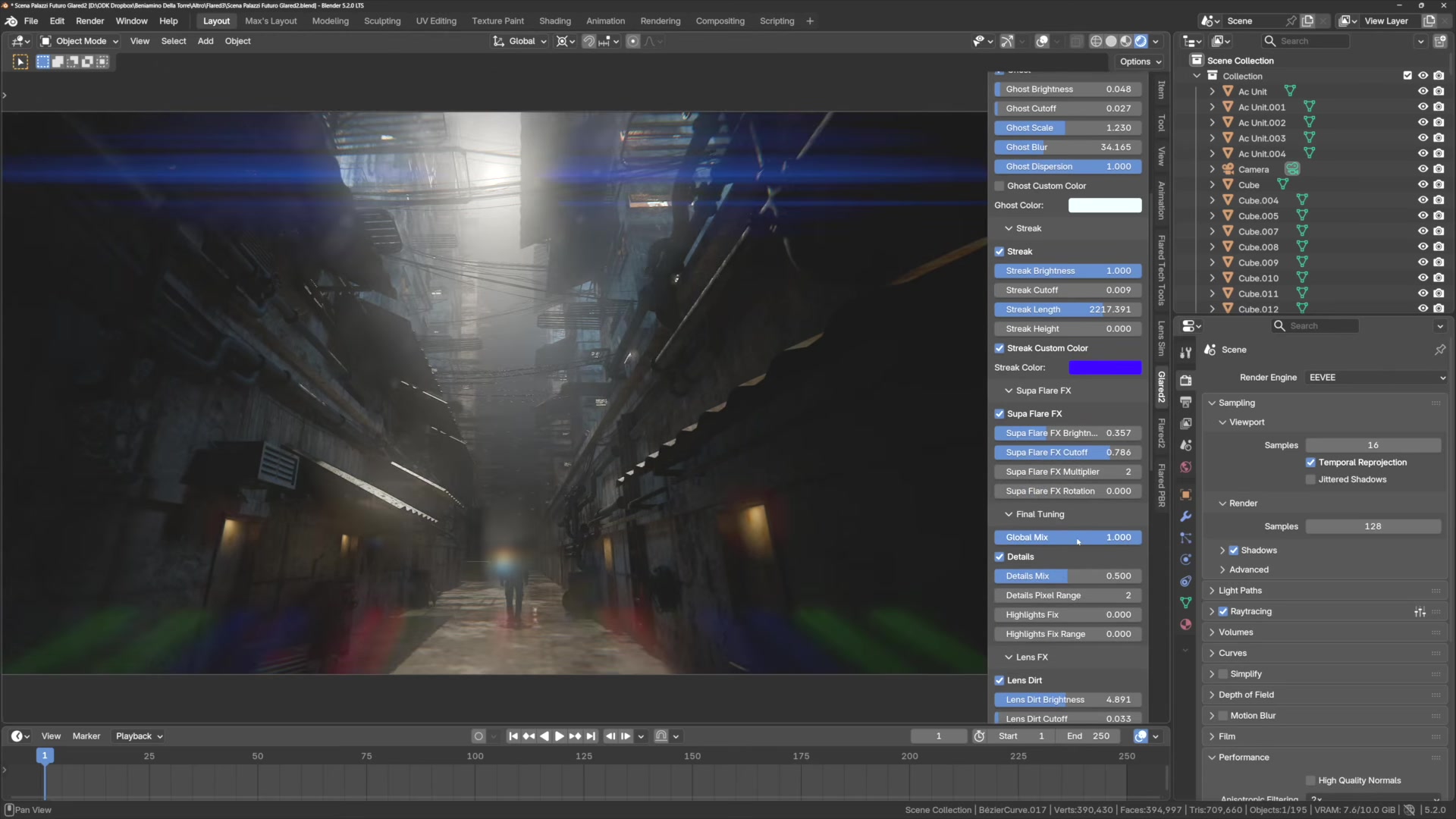
Work with a render, a still image or video in Blender. The effects respond to the brightness of what is visible.
Shape glow, ghosts, streaks, lens dirt, vignette, chromatic aberration and sharpening. Keyframe the controls when the look needs to change.
Export individual light effects as EXR passes and continue refining them in an external compositor.

Choose by workflow
Start with the tool that fits the shot you’re working on.
| Your workflow | Flared2 | Glared2 |
|---|---|---|
| Where it works | In front of your 3D camera | In Blender’s real-time compositor |
| What drives it | A flare source you place and control (an object or light) | The brightness of your image or scene |
| Choose it for | Controlling the position and character of individual flares, even when their source is outside the camera’s view | Adding glow and optical effects across the image |
| A starting point | 60+ presets, plus your own saved looks | Controls for glow, ghosts, streaks and more. Save your own presets. |
| Further compositing | Separate flare rendering | Separate EXR effect passes |
| Render engines | Eevee + Cycles | Eevee + Cycles |
Need a flare tied to your scene? Start with Flared2. Finishing the image? Explore Glared2.
A few useful answers
Have a question about your setup?
Contact the creator on SuperhiveA lens flare is an optical effect whose position and character you may want to direct around a light source. With Flared2, you place and control the flare in your 3D scene. Glow spreads light around bright areas of an image, often described as bloom. Glared2 creates glow and other brightness-driven effects in Blender’s compositor. The two approaches can be used together.
Yes. Flared2 includes parametric anamorphic controls and presets for shaping stretched lens flares, streaks and ghosts directly in your scene. It supports Eevee and Cycles, without requiring a compositor setup. See the preset gallery for examples and the Flared2 tutorials for the workflow.
Flared2 supports versions back to Blender 4.1 through earlier releases. The latest Flared2 package supports Blender 5.2 and includes the updates made to that release. The Glared2 store listing also covers Blender 4.1–5.2. Always download the package that matches your Blender version and check the current store requirements. Both tools work with Eevee and Cycles.
No. Flared2 and Glared2 expose their controls through an interface. Flared2 includes presets to get you started; Glared2 creates its compositor node group automatically.
You can download the Flared2 sample scene for Blender 5.2 and inspect the Glared2 EXR passes. These are output samples, not trials of the full add-on interfaces. The demos and Flared2 manual give you a closer look at the controls.
Yes. You can use Flared2 to add lens flares to still images and video footage inside Blender. For moving footage, use Blender’s motion tracking to make a flare follow a tracked point in the shot. You control its appearance and position through Flared2’s scene-based workflow. See the tutorials and workflow examples to get started.
Yes. Glared2 works on renders, still images and video inside Blender’s compositor. Alpha and transparent-image workflows are not fully supported; check the product documentation or ask the creator before buying for a workflow that depends on transparency.
Flared2 Lite is no longer sold. If you own it, you can get a free upgrade to the full Flared2 Solo version. Contact the creator through Superhive to receive your coupon.
Both add-ons are available on Superhive and Gumroad. Check the store page for its current price, licence options and purchase terms. For order questions or technical support, use the messaging system of the store where you purchased.
Ready for your next shot
Pick your tool. Choose your store.

